 Home
 Back
 Forward
 Print
Process Scanned Supplier Invoices
The Process scanned supplier invoices will guide you through scanning supplier invoices, processing and attaching the invoice to the agreement which then attaches the supplier invoices to the owner’s statements at the end of the month all in the one simple process.
· Scan all invoices and save them to your computer
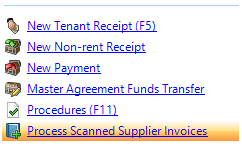
· Click on Process Scanned Supplier Invoices
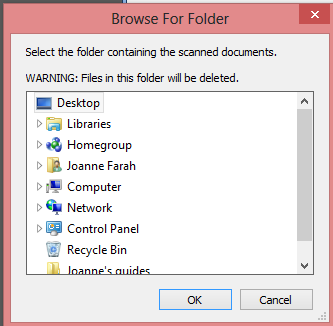
· Browse folder where you have saved the scanned supplier invoices and click on ok
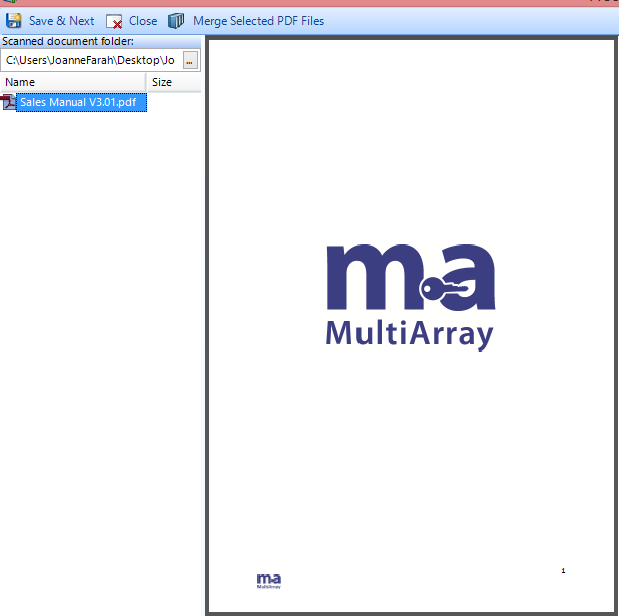
· Select the invoice from the PDF documents on the left hand side of your screen that you wish to process
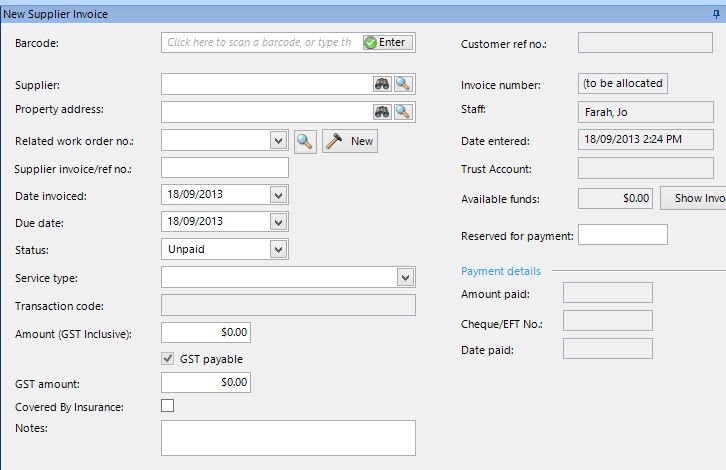
· Select the supplier
· Select the property
· Select the appropriate work order the supplier invoice relates to (if available)
· Complete the new supplier invoice card with the relevant information for the invoice you will be processing
· Click on save and next
To view the scanned invoices you will find them under the document tab in the agreement.