 Home
 Back
 Forward
 Print
Contacts
Contacts
The contacts guide will assist you with entering and searching for all types of contacts in the system.
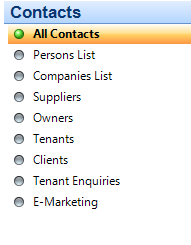
There are numerous types of contacts you can enter into the system you can search these contacts from the following fields;
Entering a New Contact
Contacts
All Contacts
New Contact
The system will aways ask you to search for the contact before you can proceed to the next step of adding the contact a contact can be used in all areas of the system i.e. if you have an owner with multipule properties you just need to enter them in once.
If the contact is not in the system you can then continue to the next step and add a new contact which the following card will appear on your screen
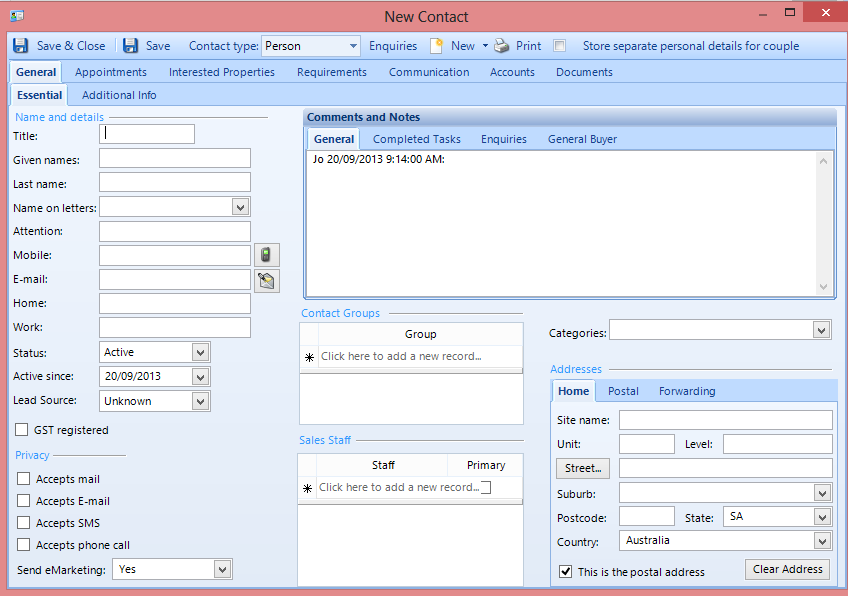
Important things to remember when adding a new contact
Select the contact type person/company
Select your Categories for the contact i.e. landlord, tenant, supplier
Complete the accounts tab for owners and suppliers
Once all the information is entered in then save and close