 Home
 Back
 Forward
 Print
New Tenancy
New TenancyThe New Tenancy guide will assist you with entering New Tenancy Agreements to a Management Agreement.
Step 1. Property Management 
Step 2. Tenant 
Step 3. New Tenancy 
Step 4. You will be asked to select the managed property the new tenancy will be linked to.
Step 5. Search the database for the tenant you are entering a new tenancy for if the tenant is not in the contact database click on Add New 
Step 6. The following screen will appear
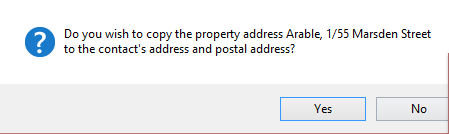
If this is the property the tenant is moving into then click on YES and the system will then prefill the property address into the new contact form this will save you entering an address for the contact.
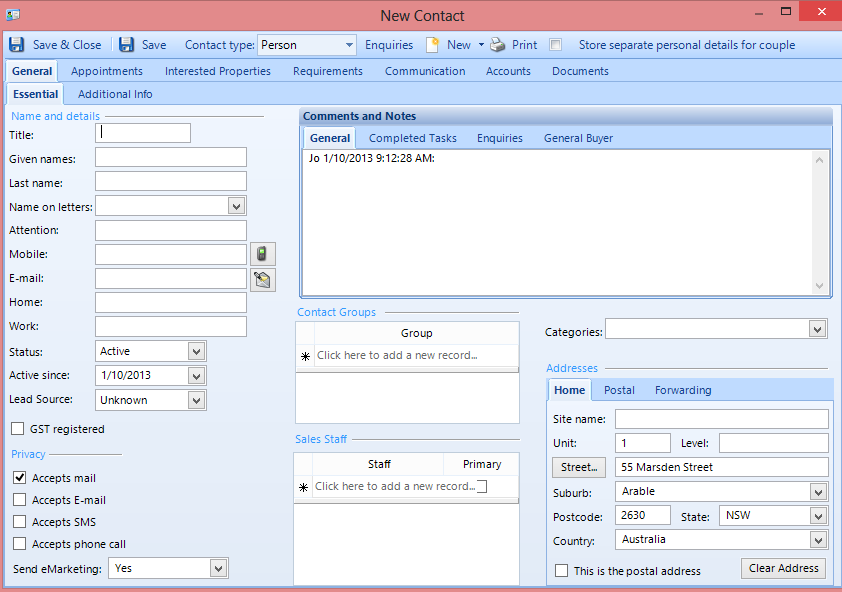
Step 7. Complete the New Contact form and click on Save and Close.
Step 8. You will then be prompted to complete the Tenancy Agreement card.
Important fields which you are required to complete during this step.
Lease Tab
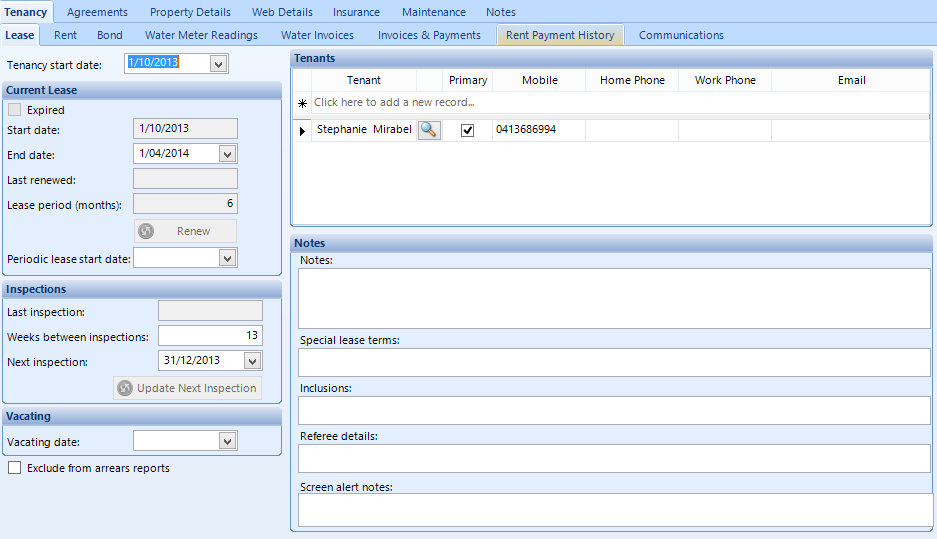
Tenancy Start Date
Tenancy end date or Lease period (months)
Inspections – Weeks between inspections
Rent Tab
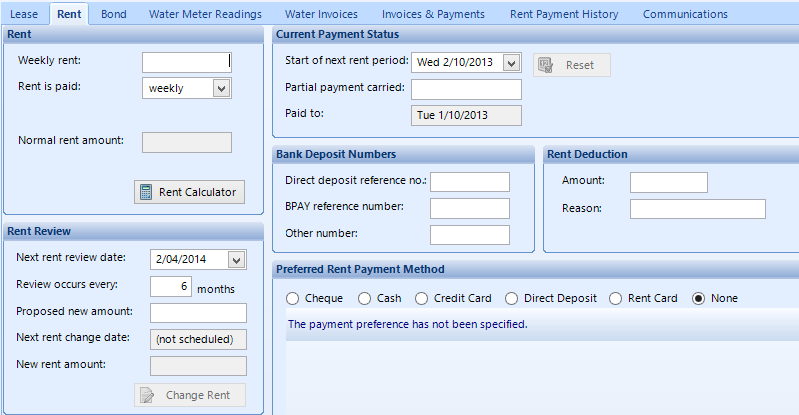
Weekly Rent: i.e. $200.00
Rent is paid: i.e. weekly, fortnightly, four weekly, monthly
Bank Deposit Numbers
Bond
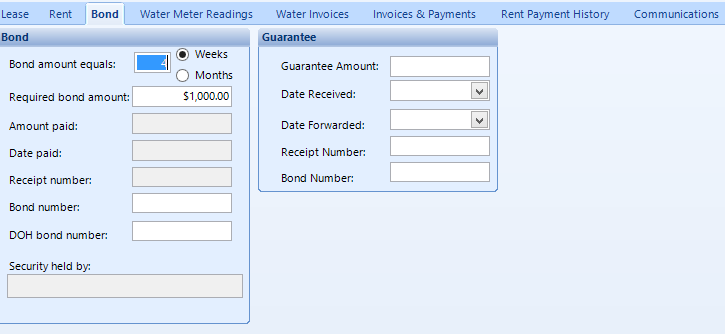
Update bond amount if required
Once you have completed and you’re confident that all information entered are correct, click on Save & Close.
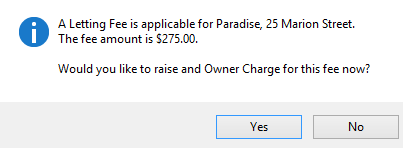
You will then be asked if you would like to raise a letting fee for the owner now, here you say YES or NO depending on your fee structure for the property.
You will then be asked if you would like to raise lease Preparation fees for the owner now, here you say YES or NO depending on your fee structure for the property.
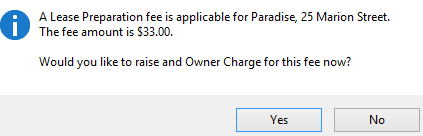
N.B if you select NO the system will ask you again during the Mid-Month or End of Month Process depending which occurs first.